
Table of Contents
Why Every Designer Needs an AI Pattern Generator in 2026
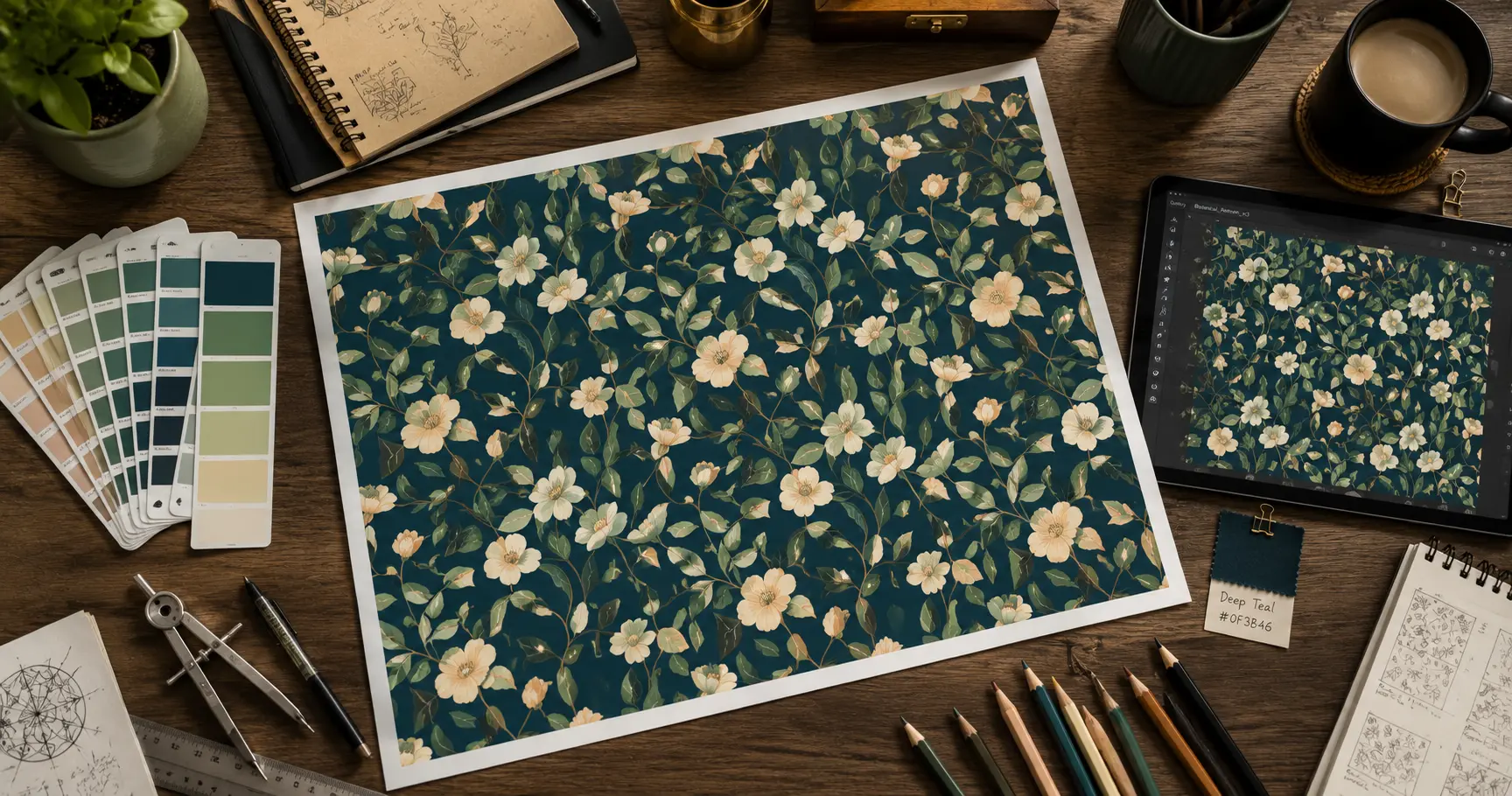
Creating custom seamless patterns manually in Adobe Illustrator used to take hours of technical work. An AI pattern generator produces the same result unique, tileable, professional patterns in under sixty seconds. In 2026, this has become one of the most practical time-saving tools in any designer or content creator’s toolkit.
Let me tell you something that used to drive me absolutely crazy.
Every time I needed a custom background pattern for a web design project a subtle geometric texture, a repeating botanical print, a brand-consistent abstract pattern I had two choices. Spend three hours in Illustrator building it manually, or settle for the same overused stock patterns that show up on half the websites on the internet.
Neither option was great. Manual pattern creation is genuinely time-consuming even for experienced designers. Stock patterns are recognizable to anyone who has spent time in design communities.
Then I started testing AI pattern generator tools seriously, and that frustration just disappeared.
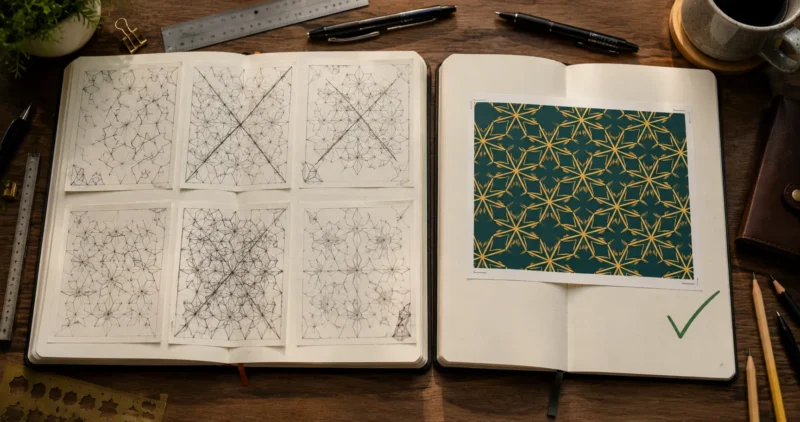
The best AI pattern generators in 2026 don’t just produce quick placeholders. They create genuinely original, tileable seamless patterns from a text description that you can customize, export in multiple formats, and use commercially. For web designers, brand designers, and content creators who need unique visual textures regularly — this is one of the most practical applications of generative AI available right now.
If you’re building your full AI creative toolkit alongside pattern generation, my guide to the best AI tools for content creators in 2026 shows how pattern tools fit alongside image generators, video creation, and design tools in a complete workflow.
According to Adobe’s Creative Trends Report 2025, custom pattern and texture design is among the fastest-growing use cases for generative AI across professional creative workflows — which tracks with what I’ve seen in the design community over the past year.
What Are the Best AI Pattern Generator Tools in 2026?
The best AI pattern generator tools in 2026 are:
Adobe Firefly (best for commercial safety and Illustrator integration)
Krea AI (best for seamless pattern quality)
Canva AI (best for workflow integration)
Phot.ai (best free online option)
MockupLabs (best for fabric and textile pattern generation)
Each has a different strength depending on your use case.
After genuinely testing these tools across web design, brand, and fabric use cases — here’s what I actually found:
Is Adobe Firefly the Best AI Pattern Generator for Professionals?
For commercial design work, yes — and it’s not particularly close. Adobe Firefly generates seamless patterns with the cleanest tile edges I’ve tested, and every output is commercially safe because Firefly is trained exclusively on licensed content. The Adobe Illustrator integration means you can take an AI-generated pattern directly into vector editing resizing, recoloring, adapting without quality loss.
For web designers working with client projects where IP safety matters, Firefly is the non-negotiable starting point.
Is Krea AI the Best Seamless Pattern Generator?
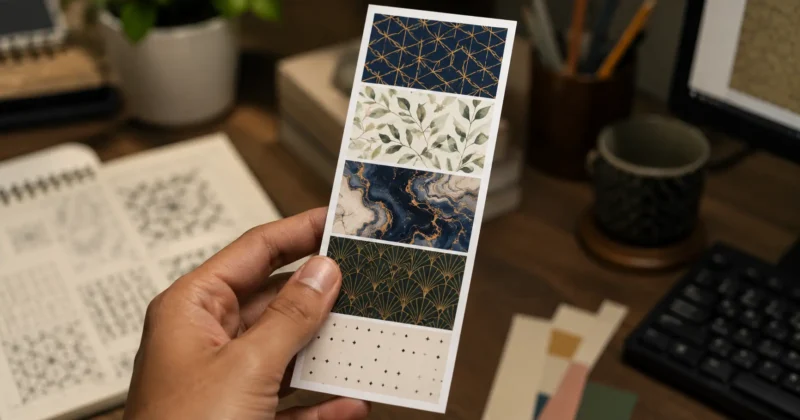
For pure pattern quality and variety, Krea AI is the strongest dedicated AI pattern generator I’ve used. It’s specifically optimized for generating tileable repeating patterns — geometric designs, abstract textures, botanical prints, art deco motifs — and the seamless edge quality is noticeably better than general-purpose image generators attempting the same task.
The prompt responsiveness is impressive. Describe a specific aesthetic — “art nouveau floral in sage green and gold, seamless tile, high contrast” — and Krea produces something that actually matches that description rather than interpreting it loosely.
What Makes Phot.ai Pattern Generator Stand Out?
Phot.ai’s pattern generator is the most accessible best free AI pattern generator option for designers who want results without a learning curve. Browser-based, no installation, strong free tier, and the output quality for basic seamless patterns and background textures is solid enough for most web design and social media applications.
For quick brand pattern generation — creating a repeating pattern from a logo element or brand color set — Phot.ai’s interface makes the workflow faster than most competitors.
Is Canva AI Pattern Generator Good for Beginners?
For beginners, yes. Canva’s AI pattern generator isn’t a standalone pattern tool — it’s accessible through Magic Media inside Canva’s design environment. The advantage is that you generate the pattern and immediately use it in your design without exporting and importing between applications.
For social media managers and content creators who live in Canva and occasionally need custom pattern backgrounds, this integrated approach is the most efficient workflow even if the pattern quality ceiling is slightly below dedicated tools like Krea.
If you’re not already familiar with Canva’s full AI suite beyond pattern generation — Magic Media, Magic Eraser, Magic Write, and background removal — my complete guide on how to use Canva Magic Media for social media graphics walks through every feature in detail.
How Do You Create a Seamless Pattern With AI Step by Step?
Open your AI pattern generator, write a detailed style prompt specifying subject, colors, mood, and “seamless tile” as a requirement, generate four to six variations, test the tile edge by placing two copies side by side, export as PNG or SVG at maximum resolution, and import into your design tool. Total time: under five minutes for a first usable pattern.
Here’s the exact workflow I’ve refined across multiple web design projects:
Step 1 — Write a specific prompt
The quality gap between a vague prompt and a specific one is enormous with AI pattern generators. Instead of “floral pattern,” write “seamless botanical pattern, loose watercolor style, sage green and cream tones, wildflowers and fern leaves, airy and minimal, repeating tile, white background.” Every descriptor narrows the output toward something genuinely usable.
Always include “seamless tile” or “seamless repeating pattern” explicitly in your prompt. Without these words, most AI pattern generators produce beautiful images that don’t tile cleanly at the edges — which means they’re decorative assets, not true patterns.
Step 2 — Generate multiple variations
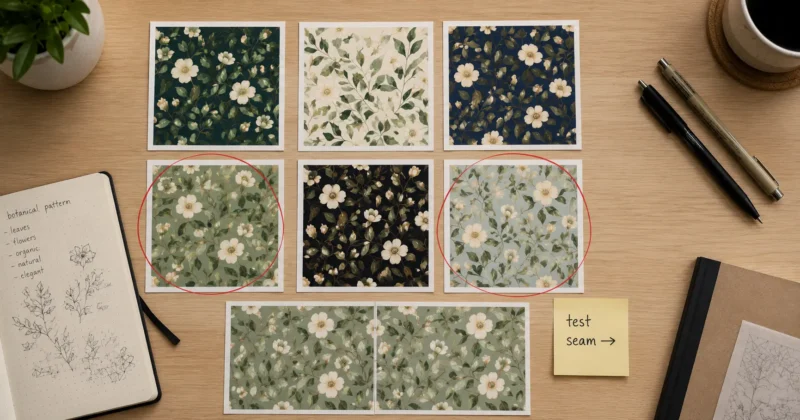
Generate six variations minimum. AI pattern generators produce different results with identical prompts. Some variations will have stronger tile edges, better color distribution, or more balanced composition. The difference between the best and worst in a six-variation batch is significant — always generate more than you think you need.
Step 3 — Test the seamless edge
Before using any AI-generated pattern, test whether it actually tiles seamlessly. Import two copies into Canva or any design tool and place them edge-to-edge — one to the right of the other. A genuine seamless pattern will show no visible seam. If there’s a seam, regenerate with the same prompt until you get a clean tile.
Step 4 — Export at maximum resolution
Export your pattern at the highest available resolution as PNG. For web use, 2000x2000px is the minimum for a tileable pattern that looks crisp at any scale. For print or fabric use, go to 4000x4000px minimum.
If you also need your pattern exported as a transparent PNG — for overlaying on photos or using as a design element without a background — my guide to the best AI PNG generator tools for transparent backgrounds covers exactly how to handle that export step cleanly.
Step 5 — Import and apply in your design tool
In Adobe Illustrator, use Object → Pattern → Make to convert your AI-generated image into a native Illustrator pattern swatch. In Figma, use the Fill → Image → Tile option. In Canva, upload as a background image and set to tile. Each tool handles pattern application differently knowing the correct method for your workflow saves time.
What Is the Best Free AI Pattern Generator Online?
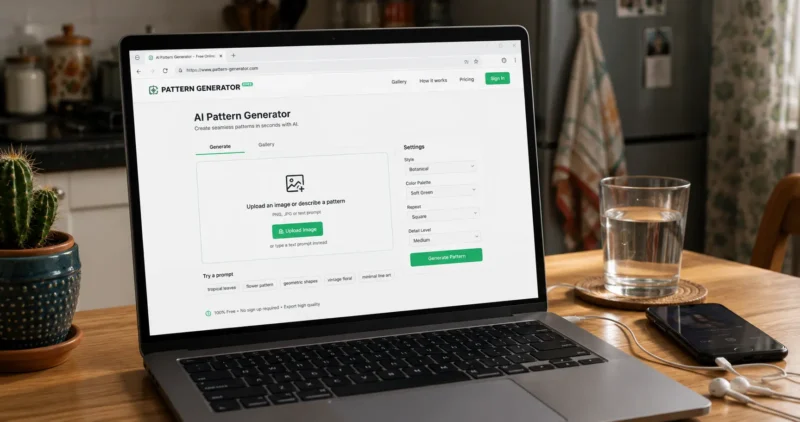
The best free AI pattern generator online options in 2026 are:
Phot.ai (strongest free tier for seamless patterns)
Canva’s free Magic Media (best free option inside a design workflow)
OpenArt AI (excellent free tier for artistic pattern styles)
Adobe Firefly’s free tier via Adobe Express (best free option with commercial safety).
All produce usable patterns without payment for most web and social media applications.
Free AI pattern generators have improved dramatically and most web design needs don’t require a paid subscription to be met.
OpenArt AI has one of the most generous free tiers in this space — strong seamless pattern generation, multiple style options, and enough monthly free generations to cover regular design work. The artistic pattern styles (geometric, abstract, botanical, art deco) are particularly strong compared to other free options.
Adobe Firefly via Adobe Express gives you free monthly credits with the same commercial safety guarantee as the paid version. For brand pattern work going into client deliverables or paid advertising, this free tier is meaningfully more valuable than other free tools because the licensing is clean.
For unlimited free generation with full technical control, running Stable Diffusion locally with seamless pattern-optimized LoRA models is the most powerful free AI pattern generator workflow available — though it requires Python environment setup and GPU hardware.
Can AI Generate Patterns for Fabric, Sewing, and Fashion Design?
Yes — AI pattern generators work well for textile and fabric pattern design, producing repeating prints, geometric fabric patterns, and surface designs. Tools like MockupLabs and Phot.ai are specifically optimized for fabric pattern generation. For functional sewing pattern generation (garment construction patterns with seam allowances), dedicated tools like AI-assisted Seamly2D are more appropriate than general image generators.
This is one of the most rapidly growing use cases for AI pattern generators in 2026.
For surface pattern design the decorative print on fabric tools like Krea AI, Phot.ai, and Adobe Firefly produce genuinely professional-quality results. Fashion designers and surface pattern designers are using these tools to generate initial print concepts, client presentation options, and trend exploration — dramatically speeding up what used to be a slow manual illustration process.
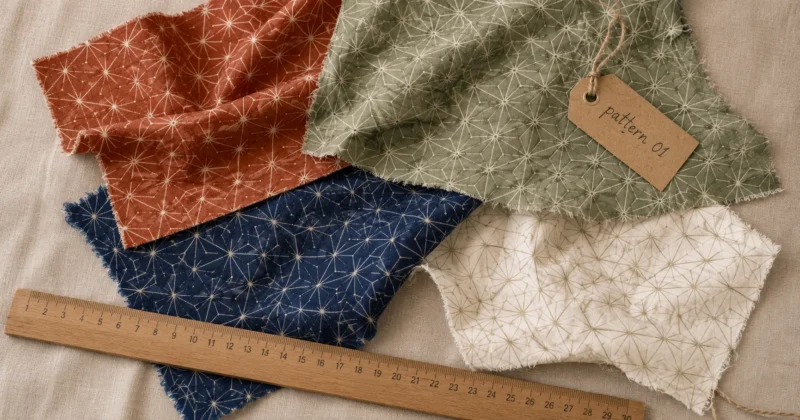
MockupLabs is purpose-built for fabric and textile pattern visualization — it generates the pattern and shows it applied to fabric mockups in one workflow, which is particularly useful for e-commerce sellers and independent fashion designers who need to show clients how a print will look on an actual garment.
For functional sewing patterns (actual garment construction with cutting lines, seam allowances, and grading) — AI image generators aren’t the right tool. These require dedicated pattern-making software. AI can accelerate the design concept phase, but the technical construction component still needs purpose-built garment software.
How Do You Use an AI Pattern Generator for Web Design?
For web design specifically, AI pattern generators are most useful for creating subtle background textures, section dividers, hero background patterns, card backgrounds, and brand-consistent decorative elements. The key is generating at high enough resolution (minimum 2000x2000px) and keeping patterns subtle enough that they enhance rather than compete with foreground content.
The pattern use cases I return to most often in web design projects:
Hero background textures
A subtle geometric or organic pattern behind a hero section adds visual depth without competing with headline text. Generate with low contrast and muted color using your brand palette. Keep the pattern scale small relative to the section size.
Section background variation
Using a light pattern in alternating content sections creates visual rhythm without color changes. This is particularly effective on long-form landing pages where purely white or grey sections start to feel flat.
Card and component backgrounds
Subtle patterns inside cards, testimonial blocks, or CTA sections add tactile visual quality that flat color alone can’t achieve. Keep these very subtle — nearly imperceptible at first glance, visible on close inspection.
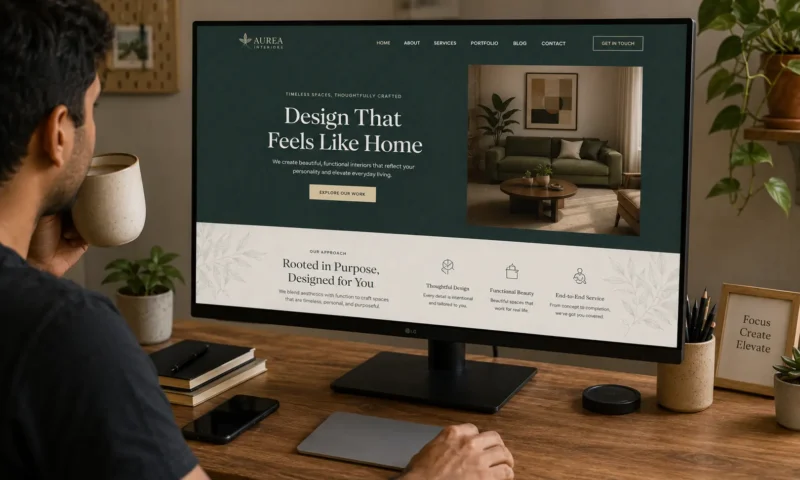
Brand pattern systems
Generating a signature repeating pattern from brand colors and visual elements creates a brand asset that works across website, packaging, social media, and print. This is one of the highest-value outputs from AI pattern generators for brand design projects. For a deeper dive into how patterns fit into a complete brand system, my guide on AI brand identity generator tools covers the full brand kit workflow alongside pattern creation.
What Are the Most Creative Ways to Use AI Pattern Generators?
Beyond basic backgrounds, the most creative AI pattern generator applications are: generating print-on-demand product designs, creating animated pattern backgrounds for social media video content, building unique icon and illustration backgrounds for presentations, generating custom emoji and sticker pattern sheets, and creating brand-consistent wallpaper and merch designs.
Print-on-demand products
AI-generated seamless patterns are perfect for print-on-demand products — phone cases, tote bags, pillows, phone wallpapers, notebook covers. Platforms like Redbubble and Society6 accept AI-generated designs, and pattern products consistently outperform single-image products in those marketplaces. Generate ten pattern variations from a single style brief and you have a product collection with minimal additional work.
If your products also need strong photography to sell — showing the pattern on the actual product in a lifestyle context — my guide on product photography with AI covers how to create studio-quality product shots without a photographer or studio budget.
Presentation and slide backgrounds
Subtle AI patterns as slide backgrounds in Canva or PowerPoint presentations instantly elevate the visual quality above plain white or stock template backgrounds. Use brand colors, keep the pattern scale and opacity low, and the difference in perceived professionalism is immediate.
Social media content backgrounds
Quote graphics, announcement posts, and story backgrounds with custom pattern textures look significantly more distinctive than solid color backgrounds. Generate a cohesive set of five patterns in your brand aesthetic and use them consistently across your feed for visual coherence.
Custom texture overlays for photography
Layer a semi-transparent AI pattern over photos to create stylized visual content — particularly effective for Instagram Reels covers, YouTube thumbnails, and editorial blog header images. This pairs naturally with AI image generation workflows. For the full picture of how pattern generation connects to broader AI image creation, my guide to the best AI image generation tools for creators covers every major generator worth knowing.
FAQs
What is the best AI pattern generator for seamless web backgrounds?
Krea AI produces the highest quality seamless pattern generation for web design backgrounds. Adobe Firefly is best when commercial safety is required. Phot.ai is the strongest free AI pattern generator online for quick web background pattern creation without a subscription.
Is there a free AI pattern generator that produces commercial-ready patterns?
Yes — Adobe Firefly’s free tier via Adobe Express produces commercially safe AI-generated patterns at no cost. OpenArt AI and Phot.ai also have meaningful free tiers for pattern generation, though commercial licensing terms vary — always verify the specific tool’s terms before using patterns in paid client work.
Can I use an AI pattern generator for fabric and sewing projects?
Yes — for surface pattern design (decorative prints on fabric), tools like Krea AI, Phot.ai, and MockupLabs generate professional textile patterns. For functional sewing patterns with construction details and seam allowances, dedicated garment pattern software is more appropriate than AI image generators.
How do I make sure my AI-generated pattern is truly seamless?
Always include “seamless tile” or “seamless repeating pattern” in your prompt. After generating, test the tile by placing two copies side by side in Canva or Illustrator a genuine seamless pattern shows no visible seam at the edge join. Generate multiple variations and test each one before using.
What is the best AI pattern generator for Canva users?
Canva’s built-in Magic Media is the most workflow-friendly AI pattern generator for Canva users — generate and apply without leaving your design environment. For higher quality patterns to import into Canva, Phot.ai and OpenArt AI produce better seamless output and integrate easily through Canva’s upload workflow.
Final Thoughts: Are AI Pattern Generators Worth Using in 2026?
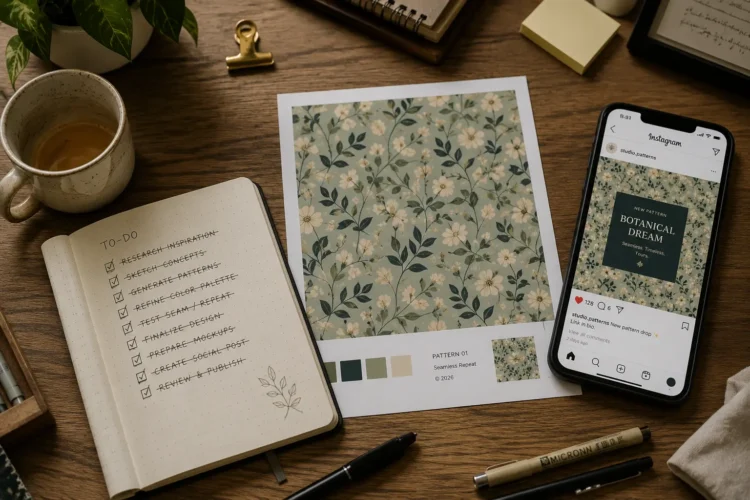
After using AI pattern generators across web design, brand design, and content creation workflows for the past year, the honest answer is yes — significantly so.
The quality of the best AI seamless pattern generators has crossed a threshold where the outputs are genuinely production-ready for most applications. Not every generation is perfect — tile edge quality varies between tools, and some prompts require multiple attempts to get the right aesthetic — but the time saved compared to manual pattern creation in Illustrator is enormous.
The practical advice: start with Phot.ai or Canva’s Magic Media on the free tier. Generate twenty pattern variations for a project you’re currently working on. Compare the best AI output to what you’d have produced manually in the same time. The comparison will tell you immediately how much value this workflow adds to your specific work.
For commercial work, move to Adobe Firefly’s free tier or paid plan where the IP clarity matters. For high-volume pattern work with maximum quality control, Krea AI is worth the subscription.
What kind of patterns do you need most often — web backgrounds, fabric designs, brand patterns? Drop it in the comments — happy to give specific tool and prompt recommendations for your use case.
1 thought on “Best AI Pattern Generator for Web Design and Custom Textures (2026)”