
Table of Contents
Why Product Photography With AI Is a Game Changer for Small Businesses
Professional product photography used to cost $500–$2,000 per shoot. Product photography with AI brings that cost to near zero while producing results good enough for Amazon listings, Shopify stores, Instagram ads, and brand campaigns all without a camera, studio, or photographer.
Here’s something I hear from small business owners constantly.
They have a great product. They know it would sell. But they can’t get good photos without spending money they haven’t made yet and they can’t make money without the photos. It’s one of those frustrating circular problems that stops a lot of promising products from ever getting a real shot.
Product photography with AI completely breaks that cycle.
In 2026, you can photograph your product against a plain white wall with your phone, upload it to an AI product photo generator, and get back a dozen studio-quality images in different scenes, lighting styles, and lifestyle contexts in about ten minutes.
No studio. No lighting kit. No photographer invoice arriving two weeks later.
I’ve tested this workflow across product categories — skincare, electronics, food, apparel, home goods — and the results are consistently better than I expected when I first tried it. Product photography is just one part of what AI can do for visual content creation — if you want to see the full picture of every major AI image generation tool available right now, my complete guide to the best AI image generation tools for creators in 2026 covers all of them in depth.
For most product types, AI-generated images are genuinely indistinguishable from professionally shot photography when viewed on a product listing page or a social ad.
That’s not hype. That’s where the tools actually are in 2026.
What Are the Best AI Tools for Product Photography in 2026?
The best AI product photography tools in 2026 are:
Pebblely (best for beginners)
Flair AI (best for lifestyle and social media)
Booth AI (best for Amazon-specific requirements)
Mokker AI (best for realistic context placement) and
Adobe Firefly (best for commercial safety)
Most have free tiers worth starting with.
After genuinely testing these tools across different product types, here’s the breakdown that actually matters:
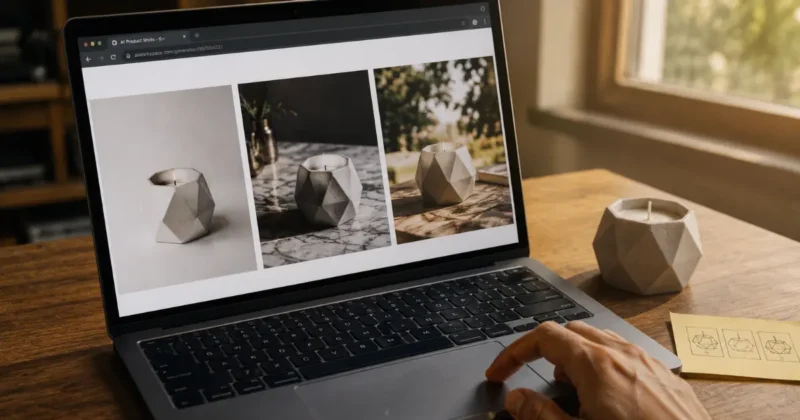
Pebblely is where I send every beginner who wants to try product photography AI for the first time. Upload your product image, choose from a library of professional background styles, click generate. The outputs are clean, the interface is simple, and the free tier gives you 40 images a month — enough to fully photograph several products without spending a dollar. For e-commerce sellers who need professional product shots quickly, this is the starting point.
Flair AI is the most creative product photography AI free online option I’ve found for brands that want editorial and lifestyle outputs. You drag your product into a scene, position it, and the AI generates a fully realized environment around it. The aesthetic feels more brand-campaign than product-listing — which makes it the right tool for Instagram, Pinterest, and paid social creative.
Booth AI is built specifically for marketplace sellers. It understands Amazon’s image requirements — white background, product filling 85% of frame, correct shadow treatment, minimum resolution standards and generates images that pass Amazon’s review without manual adjustment. If Amazon product photography with AI is your primary goal, Booth AI is purpose-built for exactly that.
Mokker AI excels at placing products in realistic lifestyle contexts. A skincare bottle on a marble bathroom counter. A coffee mug on a rustic kitchen table. The compositing looks genuinely photographic rather than obviously AI-generated, which matters when customers are making purchase decisions based on how a product looks in real life.
Adobe Firefly is the commercial safety choice. Every Firefly output is generated from licensed training data, which means you can use these images in paid advertising without copyright uncertainty. The Photoshop integration makes refinement seamless. For brands running paid social or display advertising where IP clarity matters, Firefly is non-negotiable.
How Do You Create Product Photography With AI Step by Step?
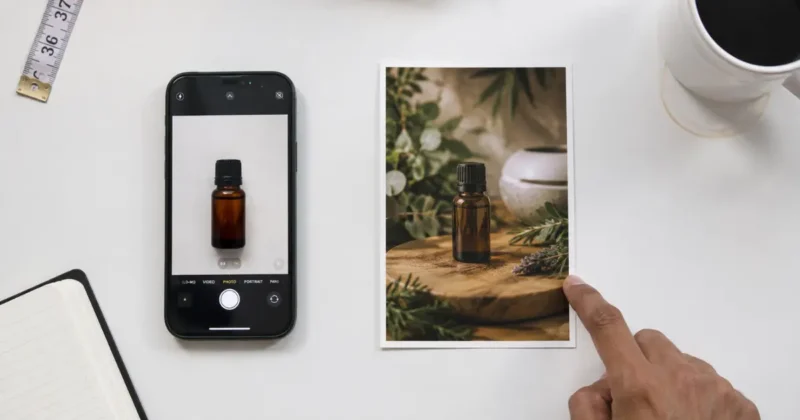
Photograph your product on a white background with your phone, remove the background using Remove.bg or Canva’s BG Remover to get a clean PNG, upload to your AI product photography tool, select a background scene, generate four to six variations, pick the best one, and refine in Canva.
Total time: under fifteen minutes for professional results.
Let me walk through this exactly, because a few specific decisions at each step make a significant difference in final quality.
Step 1 — Shoot a clean source image
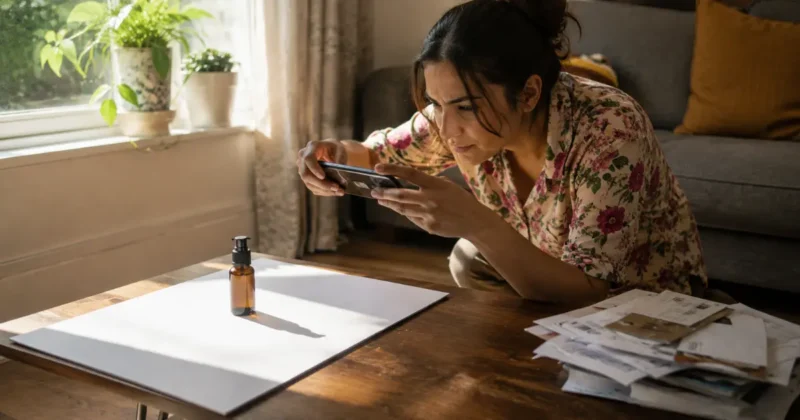
Use your phone. Place your product against white poster board or a white wall. Position near a window for natural directional light one light source, not overhead fluorescent.
Shoot straight-on or at a slight angle depending on your product. The AI can do a lot, but it works from what you give it. Five extra minutes here improves everything downstream.
Step 2 — Remove the background first
This step alone improves AI product photo output quality more than any other single thing.
Run your source image through Remove.bg before uploading to any product photography AI tool. A clean transparent PNG as your source means the AI isn’t trying to separate your product from a complex background it just places your product into the new scene cleanly.
If you want a full breakdown of every background removal and transparent PNG tool available including free options and which one handles complex edges best I’ve covered it all in my guide to the best AI PNG generator tools in 2026.
Step 3 — Choose your scene intentionally
White studio background for Amazon and marketplace main images. Lifestyle contexts for social media and secondary listing images. Dark luxury environments for premium positioning.
Match your scene choice to where the final image will actually live — the platform’s visual conventions matter more than your personal preference.
Step 4 — Generate multiple variations
Always generate at least four to six outputs per scene. AI product photography tools produce varied results even with identical settings.
Some outputs will have better shadows, better product placement, more natural light. Generate several, pick the two best, discard the rest.
Step 5 — Refine the best output
Open your chosen image in Canva. Fix any edge artifacts with the background eraser. Adjust brightness and contrast if the generated environment doesn’t quite match your product’s natural coloring.
Add your logo or text overlay if needed. This fifteen-minute refinement step is what separates “good AI output” from “professional finished image.”
If you’re not already familiar with Canva’s full AI toolkit — including Magic Media, Magic Eraser, and background removal — my step-by-step guide on how to use Canva Magic Media for social media graphics walks through every feature you’ll use in this refinement step.
Can You Do Amazon Product Photography With AI?
Yes — Amazon product photography with AI is one of the most practical applications of these tools. AI-generated images fully meet Amazon’s technical requirements when generated correctly. Tools like Booth AI are purpose-built for Amazon’s specific white background, sizing, and framing standards.
Amazon has strict main image requirements — white background, product filling 85% or more of the frame, no text or watermarks, minimum 1000x1000px for zoom functionality. Those requirements are exactly what product photography AI tools are optimized to produce.
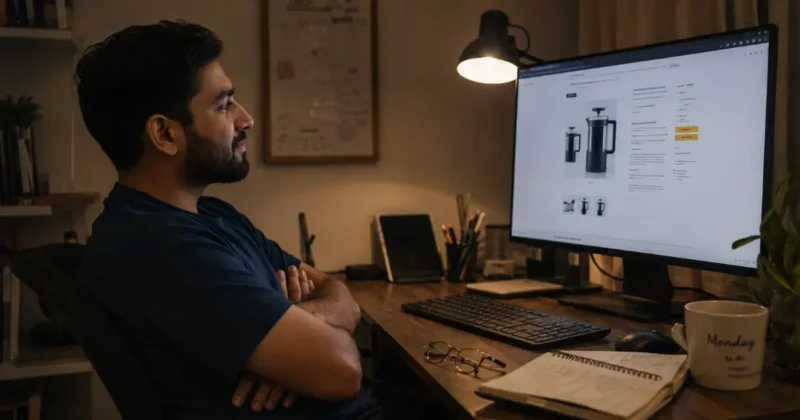
For Amazon product photography with AI, use this specific workflow: start with a clean white-background source image, upload to Booth AI or Pebblely with “white studio” background selected, generate at 2000x2000px, verify the product fills the frame correctly, download and upload directly to Seller Central.
For secondary images — lifestyle shots, in-use photography, detail images — the same AI tools apply but without the strict background restrictions. These images benefit from lifestyle scene generation in Flair AI or Mokker AI to show the product in real-world context.
A practical note from testing: AI product photography consistently passes Amazon’s image review for packaged goods, electronics, books, and beauty products. Products with highly reflective surfaces or complex transparent materials need more careful source photography — the AI compositing is only as clean as the original product cutout.
What Are the Best Free AI Product Photography Tools Online?
The best free product photography AI online options in 2026 are:
Pebblely (40 free images/month, no watermark)
Adobe Firefly via Adobe Express (monthly free credits)
Mokker AI (free tier with watermark) and
Flair AI (limited free generations)
Stable Diffusion is completely free to run locally for advanced users.
Free doesn’t mean low quality for most small seller needs.
Pebblely’s free tier is the strongest no-cost starting point — 40 monthly generations, no watermark on downloads, no credit card required. For a new Shopify store or an Amazon seller testing a new product, 40 images per month covers your complete listing photography at zero cost.
Adobe Firefly via Adobe Express gives you free monthly credits that apply to product photography use cases, with the same commercial safety guarantee as the paid version. For brand assets going into paid advertising, this free tier is meaningfully more valuable than other free tools because the licensing is clean.
Stable Diffusion with product photography checkpoints is the most powerful free AI product photography workflow available for technical users. Running locally on your own hardware, it produces results that rival paid tools with no per-image cost.
If you’re still deciding between Stable Diffusion, Midjourney, and DALL-E for your AI image generation, my head-to-head comparison of Midjourney vs DALL-E 3 vs Stable Diffusion breaks down exactly which one fits which type of creator — including pricing, quality, and ease of use.
The learning curve is steep, but advanced sellers who invest the time build the most flexible and cost-effective product photography pipeline available anywhere.
What Mistakes Should You Avoid in AI Product Photography?
The five biggest mistakes are using a bad source image, skipping background removal before uploading, choosing the wrong scene type for your platform, generating only one output, and not refining the final image. Every one of these is easy to fix once you know to look for it.
Skipping the background removal step is the single most impactful mistake I see beginners make. Any background color or texture remaining around your product edges creates visible compositing artifacts in the final AI image. Always upload a transparent PNG, never a JPEG with a background still attached.
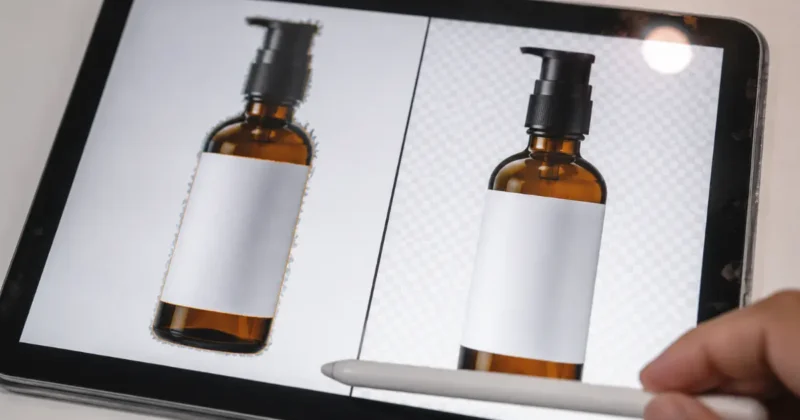
Generating only one output means you’re accepting whatever the AI produces first. That’s rarely the best output in the batch. Generate six, compare them, and pick the strongest one — the difference between first and best in any generation batch is significant.
Choosing the wrong scene for the platform creates mismatches that look unprofessional even when the individual image is technically good.
Lifestyle backgrounds on Amazon main images get rejected. White studio backgrounds on Instagram ads underperform against lifestyle content. Meta’s advertising creative best practices guide explains specifically what image styles perform best across Facebook and Instagram placements — worth reading before you decide which scene type to generate for paid social use. And if you’re building video content alongside your product images — Reels, YouTube, or TikTok — my guide on AI video creation for YouTube, Reels and TikTok in 2026 covers how product visuals feed into a complete short-form video production workflow.
Match scene to platform, every time.
Shooting a poor source image is the mistake that no downstream AI tool can fully fix. Blurry photos, mixed light sources, complex backgrounds — these create problems that compound at every step of the AI workflow. Spend five extra minutes on source photography and every subsequent step gets easier and better.
FAQs – Product photography with AI
What is the best AI tool for product photography in 2026?
Pebblely is the best beginner-friendly AI product photography tool with a strong free tier and no watermarks. Flair AI leads for lifestyle and social media contexts. Adobe Firefly is the best choice when commercial safety is the priority. For Amazon product photography with AI specifically, Booth AI is purpose-built for marketplace requirements.
Is product photography with AI free?
Yes — Pebblely offers 40 free images per month with no watermark. Adobe Firefly has a free tier through Adobe Express. Stable Diffusion is completely free to run locally for advanced users. Most paid product photography AI tools offer meaningful free tiers sufficient for testing before purchasing.
Can I use AI product photos on Amazon listings?
Yes — Amazon product photography with AI is fully allowed when images meet Amazon’s technical requirements: white background for main images, product filling 85% of the frame, minimum 1000x1000px resolution, no watermarks or overlaid text. Tools like Booth AI and Pebblely are optimized for these specific Amazon standards.
How do I make AI product photos look realistic?
The most important factors are: shooting your source product on a clean white background, removing that background to a transparent PNG before uploading, matching the light direction in your source image to the generated scene, generating multiple variations and picking the best, and spending 10-15 minutes refining the final image in Canva or Photoshop.
Which AI product photography tool works best for social media?
Flair AI produces the most social-media-ready lifestyle product photography editorial, brand-campaign style outputs ideal for Instagram, Pinterest, and TikTok. Mokker AI is strongest for realistic context shots that look genuinely photographic. Both perform well in paid social advertising campaigns when the source product image is clean.
Final Thoughts: Is AI Product Photography Ready for Real Commercial Use?
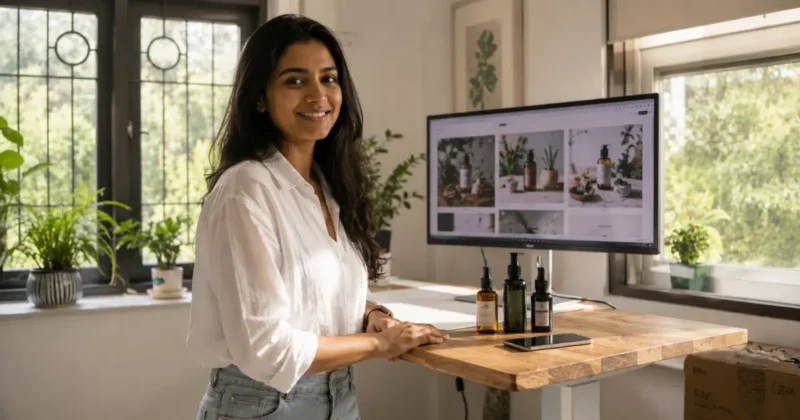
After testing product shoot with AI across dozens of product categories and multiple platforms, the honest answer is: yes, with a caveat.
For packaged goods, cosmetics, electronics, books, shoes, bags, and most physical consumer products — product photography with AI in 2026 produces commercially viable images that perform at the same level as traditionally photographed products. The tools are ready.
The caveat: highly reflective surfaces, transparent materials, and products with complex textures still benefit from more careful source photography and additional refinement. AI compositing is only as clean as the product cutout you start with.
For everyone else — especially small business owners, Amazon sellers, Shopify entrepreneurs, and content creators who need product pictures with AI quickly and affordably — the workflow is ready to use today.
Product photography with AI is one powerful piece of a much larger AI toolkit that’s available to creators and sellers in 2026. If you want to see how it fits alongside all the other AI tools worth knowing — image generation, video creation, writing, design — my roundup of the best AI tools for content creators in 2026 is the right next read after this one.
Start with Pebblely’s free tier. Upload one product. Generate ten background variations. See what the workflow produces before you’ve spent anything. The results will tell you everything you need to know about whether this changes your business.
What product are you planning to photograph with AI? Drop it in the comments — I read every one and happy to give specific tool recommendations based on your product type.