
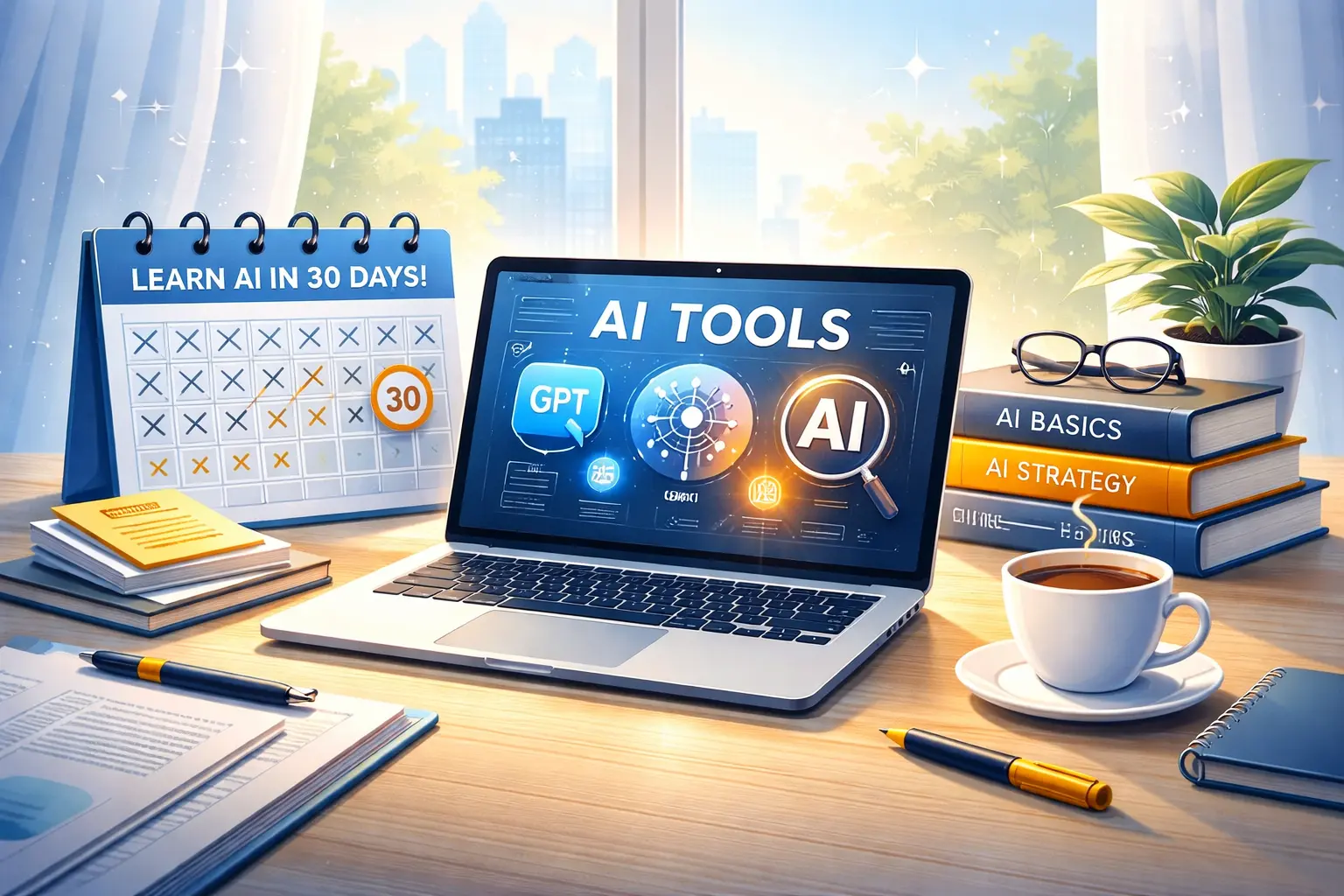
A few years ago, learning AI meant complex coding, advanced math, and expensive degrees.
In 2026, that story is outdated.
Today, AI is no longer reserved for engineers. It’s quietly becoming a daily tool for ordinary people — writers, students, office workers, freelancers, marketers, entrepreneurs, and career switchers.
If you’re from a non-technical background and feel overwhelmed by words like Python, machine learning, or neural networks, this guide is for you.
This guide focuses on AI skills for non tech people who want to use modern AI tools confidently, without learning coding or technical jargon.
This is not a theory-heavy article.
This is a realistic, practical roadmap to help you learn useful AI skills in just 30 days, without coding, without jargon, and without burning out.
Table of Contents
Why Non-Tech People Must Learn AI in 2026
AI is not replacing jobs.
It is replacing people who refuse to adapt.
Across industries, AI is now used to:
- Write emails and reports
- Analyze data and trends
- Design visuals and presentations
- Automate repetitive office tasks
- Research faster than humans ever could
This shift isn’t theoretical anymore — according to recent studies on AI adoption in the workplace, companies across industries are already integrating AI into daily tasks.
Here’s the uncomfortable truth:
Two people with the same role will exist in 2026 — one using AI, one ignoring it.
Only one of them will grow.
The good news?
You do not need a tech degree to be the first person.
Who This Guide Is For
These AI skills for non tech people are designed for anyone who wants to work with AI tools confidently, without a technical background or coding experience.
This guide is written specifically for:
- Non-technical professionals
- Students from arts, commerce, or humanities
- Freelancers and creators
- Office employees
- Career switchers
- Beginners afraid of coding
If you can use a smartphone, browse the internet, and type basic English, you’re already qualified to start.
The Truth About “Learning AI” (Most Blogs Won’t Tell You)
Most AI articles fail non-tech readers because they focus on:
- Programming languages
- Mathematical models
- Developer-only tools
That is not how most people use AI in real life.
In 2026, valuable AI skills are about:
- Knowing which tool to use
- Knowing how to ask the right questions
- Knowing how to apply AI to real problems
This guide focuses exactly on that.
Top AI Skills Non-Tech People Can Learn in 30 Days
These AI skills for non tech people focus on practical use, everyday tools, and real-world outcomes rather than technical concepts or programming.
Below are high-impact AI skills that require zero coding and are already in demand globally.
1. Prompt Engineering (Non-Technical)
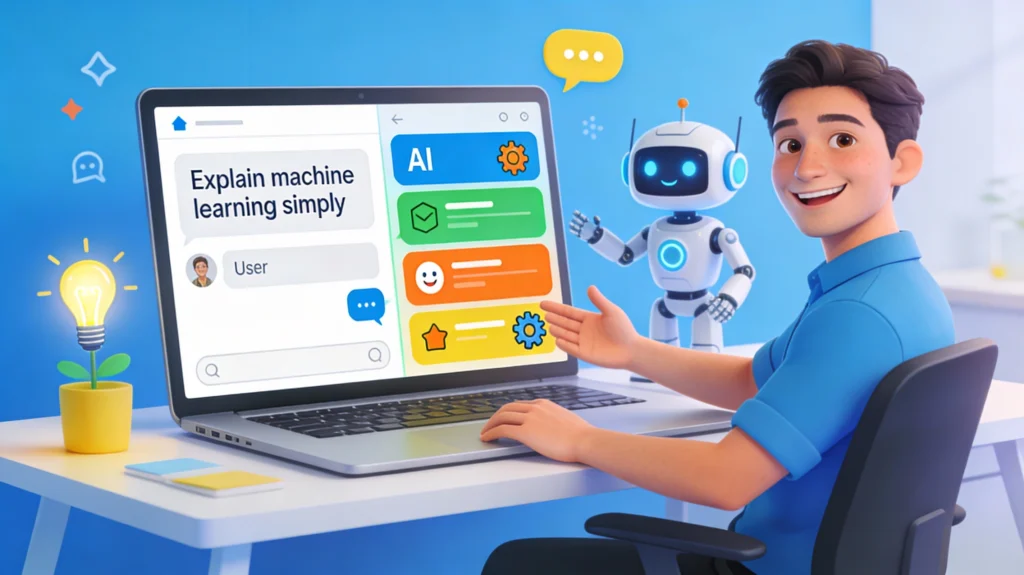
Prompt engineering sounds complex, but it’s simply the ability to communicate clearly with AI tools.
AI responds based on how you ask.
A small change in wording can completely change results.
This skill is valuable because:
- Companies want people who can get accurate AI output
- It improves productivity instantly
- It applies to writing, research, marketing, and planning
You don’t need to learn commands.
You learn structured thinking.
Tools to practice with:
- Chat-based AI tools
- AI image tools
- AI research assistants
Many beginners are surprised to learn that there are already AI tools that replace traditional coding, allowing non-technical people to build workflows and solve problems without writing a single line of code.
2. AI Content Editing & Enhancement
AI can write content, but humans who edit, improve, and guide AI output are far more valuable.
This skill involves:
- Improving tone and clarity
- Fact-checking AI responses
- Making content sound natural and human
- Adjusting content for different audiences
This is one of the best AI skills without coding, especially for:
- Bloggers
- Students
- Social media managers
- Freelancers
Many people already do this informally — learning it intentionally makes it a professional skill.
3. AI Research & Information Analysis
AI is becoming a personal research assistant.
Instead of manually searching dozens of pages, you can:
- Summarize long documents
- Compare multiple sources
- Extract insights from reports
- Analyze trends and patterns
Some modern research assistants make this process even easier, and learning the basics of using AI tools for research and analysis can save hours of manual searching.
This skill is powerful for:
- Students
- Business professionals
- Analysts
- Content creators
Knowing how to verify AI output is what separates beginners from professionals.
4. No-Code AI Automation
Automation no longer requires programming.
Non-tech people can now:
- Automate email responses
- Connect AI with spreadsheets
- Create simple workflows
- Reduce repetitive tasks
This skill saves hours every week and is highly valued in offices.
If you can drag, drop, and configure tools, you can learn this.
5. AI-Assisted Design & Presentation Skills
AI is changing how people design:
- Presentations
- Social media visuals
- Marketing materials
- Simple UI mockups
You don’t need design software expertise.
You need visual sense + AI assistance.
This skill is especially useful for:
- Marketing teams
- Startup founders
- Educators
- Freelancers
6. AI Data Interpretation (Without Math)
You don’t need to analyze raw data.
AI now helps non-technical users:
- Understand charts and trends
- Convert data into insights
- Explain numbers in simple language
This is useful in:
- Business meetings
- Reports
- Strategy planning
It’s one of the fastest-growing non technical AI jobs skills.
AI Skills Overview Table
| AI Skill | Coding Needed | Time to Learn | Best For |
|---|---|---|---|
| Prompt Engineering | No | 5–7 days | All roles |
| AI Content Editing | No | 5 days | Writers, students |
| AI Research | No | 4–6 days | Analysts, learners |
| No-Code Automation | No | 7–10 days | Office workers |
| AI Design Assistance | No | 4–6 days | Creators |
| AI Data Interpretation | No | 5–7 days | Professionals |
The 30-Day AI Learning Roadmap (Beginner-Friendly)
This roadmap is realistic.
No burnout. No pressure.
Week 1: Understanding AI Basics
- Learn what AI can and cannot do
- Practice asking clear questions
- Explore 2–3 AI tools daily
- Focus on accuracy, not speed
Goal: Comfort and confidence
If you’re completely new, starting with a simple explanation of how modern AI tools work can remove a lot of unnecessary fear and confusion.
Week 2: Skill Practice
- Practice prompt engineering daily
- Edit AI-generated content
- Research real topics using AI
- Compare AI output with real sources
Goal: Control and clarity
Week 3: Real-World Use Cases
- Apply AI to daily work or studies
- Automate one repetitive task
- Create simple presentations or reports
- Test multiple AI tools
Goal: Practical application
Week 4: Professional Use
- Combine multiple AI skills
- Build small projects (reports, workflows, designs)
- Learn ethical AI usage
- Prepare for job or freelance use
Goal: Job-ready confidence
30-Day Roadmap Summary Table
| Week | Focus | Outcome |
|---|---|---|
| Week 1 | AI basics | Confidence |
| Week 2 | Skill practice | Control |
| Week 3 | Real use | Productivity |
| Week 4 | Professional use | Career-ready |
How These AI Skills Create Jobs & Income
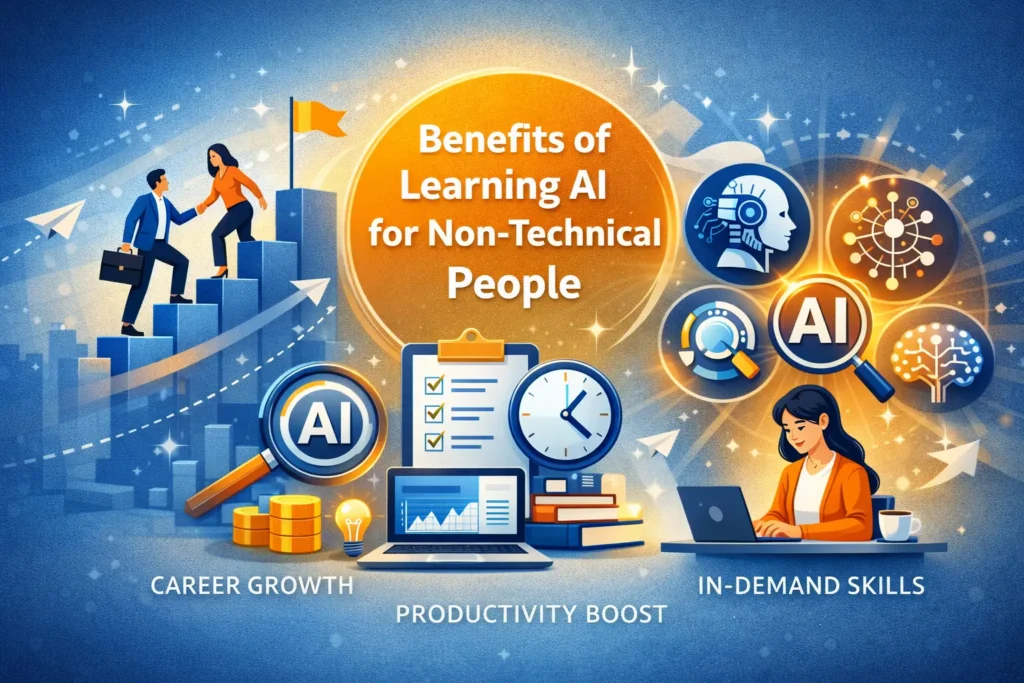
Learning AI doesn’t mean becoming an engineer.
It means becoming:
- More productive
- More valuable
- More adaptable
For those exploring income opportunities, learning how people are making money online using AI tools can open doors to freelancing, remote work, and digital side projects.
These skills lead to:
- Non-technical AI roles
- Freelancing opportunities
- Office promotions
- Career transitions
Companies don’t want “AI experts.”
They want people who can use AI effectively.
Common Myths That Stop People from Learning AI
Myth 1: “I’m not from tech”
AI tools are designed for non-tech users.
Myth 2: “AI will replace me anyway”
People using AI replace people who don’t.
Myth 3: “I need coding”
Most AI skills today require logic, not code.
The Future of AI for Non-Tech People (2026–2028)
AI tools will become:
- Easier to use
- More integrated into daily work
- Less technical
- More focused on productivity
Non-technical professionals who start now will have a huge advantage.
Waiting is the riskiest decision.
This shift naturally raises questions about creativity and job security, including whether AI can replace creative professionals in fields like video editing and design.
Final Thoughts: Start Small, Start Now
You don’t need to master everything.
Learning AI skills for non tech people is about taking small, practical steps rather than trying to understand everything at once.
Start with:
- One tool
- One use case
- One problem you want to solve
Thirty days from now, you won’t be an AI expert —
but you will be ahead of millions who did nothing.
And in 2026, that difference matters.

FAQs
Can a non-technical person really learn AI in 30 days?
Yes. AI skills for non tech people can absolutely be learned in 30 days because most modern AI tools are designed for everyday users, not engineers. Learning AI in 30 days doesn’t mean building algorithms. It means understanding how to use AI tools effectively, ask the right questions, and apply them to real tasks like writing, research, analysis, and automation.
Do I need coding or programming knowledge to learn AI skills?
No. Many valuable AI skills require zero coding. Tools for content, research, automation, and design are built with simple interfaces. Logical thinking and curiosity matter more than technical knowledge.
What is the easiest AI skill for beginners to start with?
Prompt engineering is the easiest place to begin. It teaches you how to communicate clearly with AI tools. Once you master this, every other AI skill becomes easier to learn and use.
Are AI skills useful for non-technical jobs?
Absolutely. AI skills are already used in marketing, education, administration, content creation, human resources, and business analysis. Non-technical professionals who understand AI often perform better than technical users who lack real-world context.
Can learning AI skills help with career growth in 2026?
Yes. AI skills improve productivity, decision-making, and adaptability. In 2026, employers value professionals who can work alongside AI tools rather than compete with them.
Which AI tools are best for non-technical beginners?
Beginners should start with user-friendly AI tools that focus on writing, research, automation, and design. The best tools are the ones that solve your daily problems, not the most advanced ones.
How much time should I spend daily to learn AI skills?
Spending 30–60 minutes a day is enough. Consistent daily practice is far more effective than long sessions once a week.
Is AI learning safe for beginners without a tech background?
Yes, as long as you use AI responsibly. Learning how to verify AI output and avoid blind trust is part of becoming a skilled AI user.
Will AI replace non-technical jobs in the future?
AI will change how jobs work, not eliminate all non-technical roles. People who learn to use AI will stay relevant and valuable, while those who ignore it may struggle.
What should I learn after mastering basic AI skills?
After basic skills, you can explore automation, advanced research workflows, or industry-specific AI applications. Learning never stops, but the foundation makes future learning easier.
If this guide helped you understand AI without fear or confusion, you’re already moving in the right direction. Learning slowly and consistently beats waiting for the “perfect time.”
Start your AI learning journey today and gain valuable skills in just 30 days!