
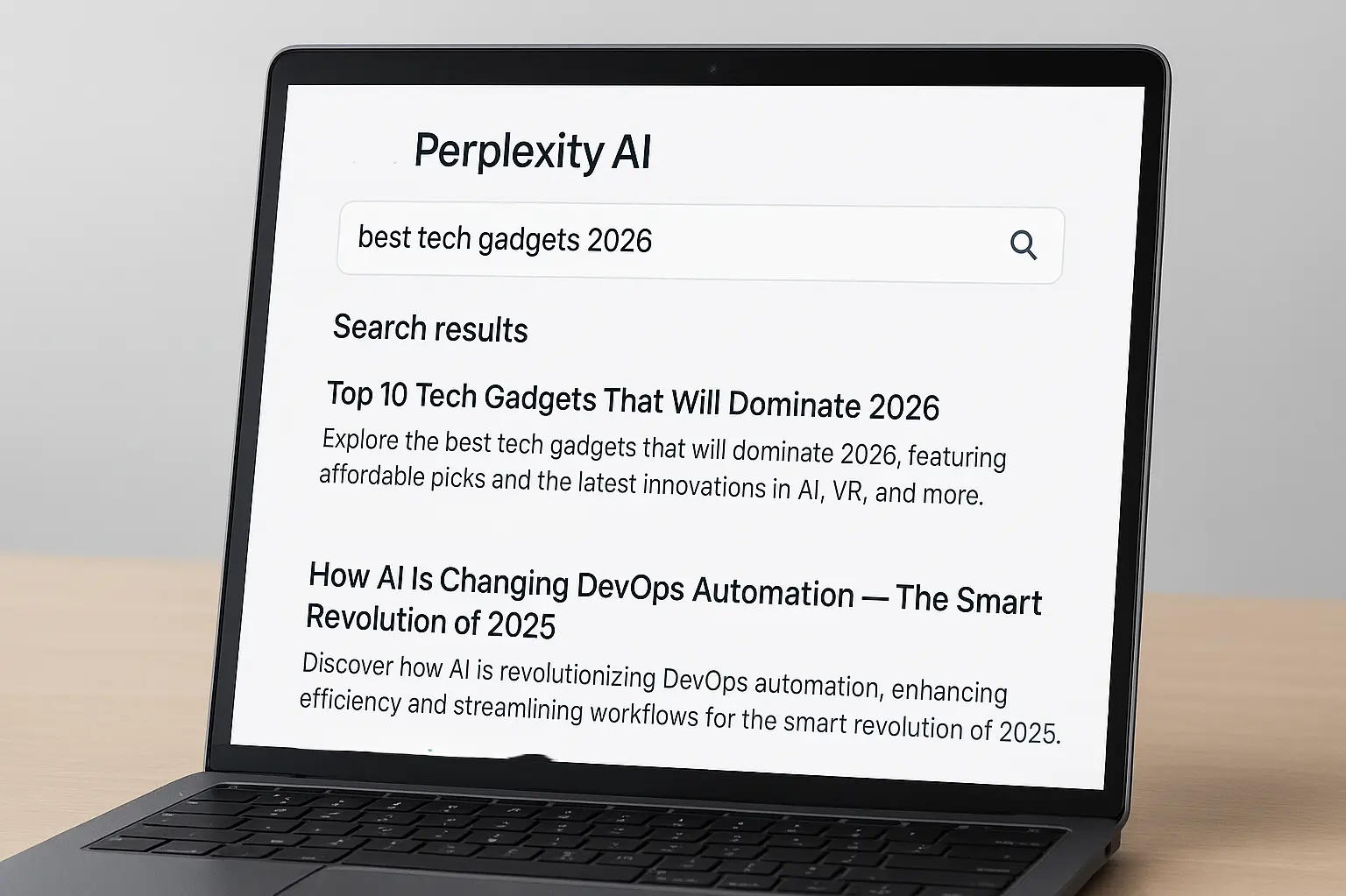
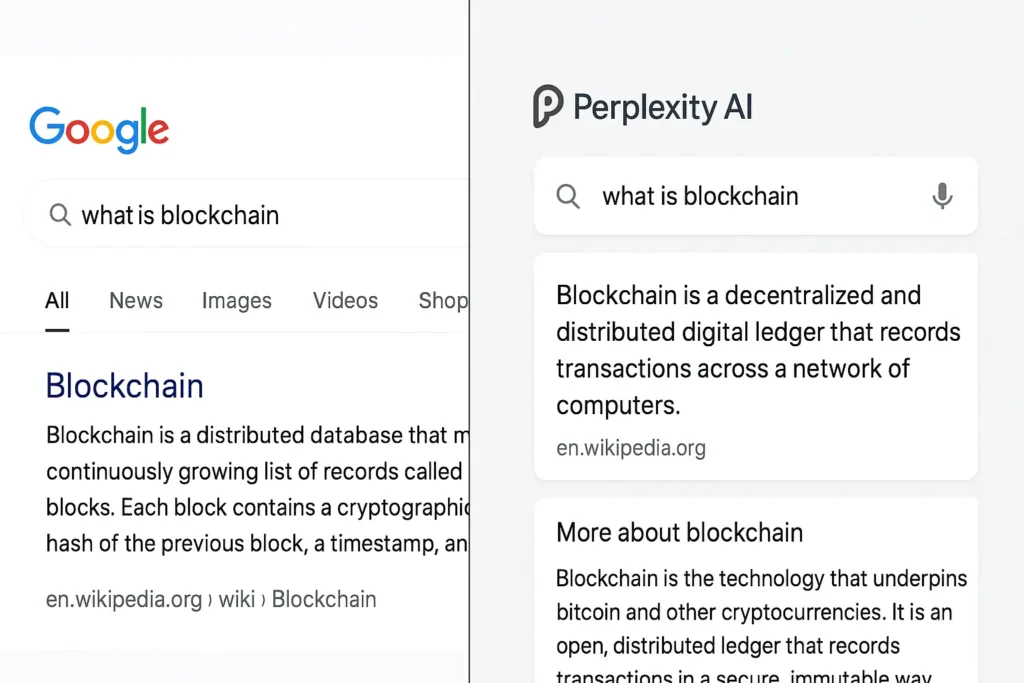
Online search doesn’t feel the way it used to. You search for a simple answer, and Google throws ads at you, outdated articles from years ago, and pages written purely for SEO — not for people. AI chatbots are faster, but many don’t show where their answers come from, which makes trusting them difficult.
That’s exactly why Perplexity AI is gaining massive popularity in 2026.
It isn’t just another chatbot. Perplexity AI works more like a smart research partner — giving clear answers while showing the sources behind every claim. Once you learn how to use Perplexity AI properly, even the free version can save you hours every week.
In this guide, I’ll break down how to use Perplexity AI like a pro for free in 2026, using real techniques I rely on as a tech blogger. Whether you’re a student, developer, researcher, or content creator, this Perplexity AI tutorial will help you work faster and smarter.
Table of Contents
What Is Perplexity AI? (2026 Update)
Perplexity AI is an AI-powered search engine that combines real-time web search with AI-generated summaries. Instead of showing a list of links, it scans trusted sources, pulls relevant information, and presents a clear answer — with citations included.
The biggest difference? Transparency. You’re never asked to blindly trust the AI. Every answer is backed by real sources that you can open and verify.
In 2026, Perplexity AI has evolved into one of the best AI research tools available, handling everything from breaking news and academic topics to software documentation and technical comparisons. For anyone tired of digging through multiple tabs, it’s a huge upgrade over traditional search.
You can explore all of these features directly on the official Perplexity AI website.
Why People Are Switching to Perplexity AI in 2026
Across the US, students, professionals, and creators are moving away from traditional search tools — and Perplexity AI is a big reason why.

Faster Research
Perplexity summarizes information from multiple sources in seconds. What used to take 30 minutes of reading now takes less than a minute
Sources Included by Default
Every claim comes with links. This makes Perplexity AI ideal for blogging, academic work, market research, and fact-checking.
Real-Time Information
Unlike many AI tools, Perplexity pulls live data from the web, so answers stay current — a huge advantage in 2026.
Fewer Hallucinations
Because answers are grounded in sources, Perplexity AI produces fewer made-up responses compared to many chatbots.
This is why many users now treat Perplexity as their primary AI search engine, especially for research-heavy tasks.
I often use Perplexity AI when researching upcoming products, like when I was working on my list of tech gadgets that are expected to dominate 2026.
How to Use Perplexity AI Like a Pro (Free Version)
Most guides stop at “type a question.” That’s not enough. The real power comes from how you ask questions and how you use the results.
Below are the techniques that separate casual users from power users.
A. Smart Prompt Templates That Actually Work
The quality of your prompt directly affects the quality of the answer. These templates work especially well on Perplexity AI free.
For Research : “Summarize the latest US-based research on electric vehicle adoption using government or major media sources only. Include key statistics and source links.”
This forces reliable data and removes low-quality sites.
For Blogging
Research this topic and provide key points, statistics, and verified sources that I can reference while writing original content.”
This is perfect for building outlines without copying content.
For Coding & Development
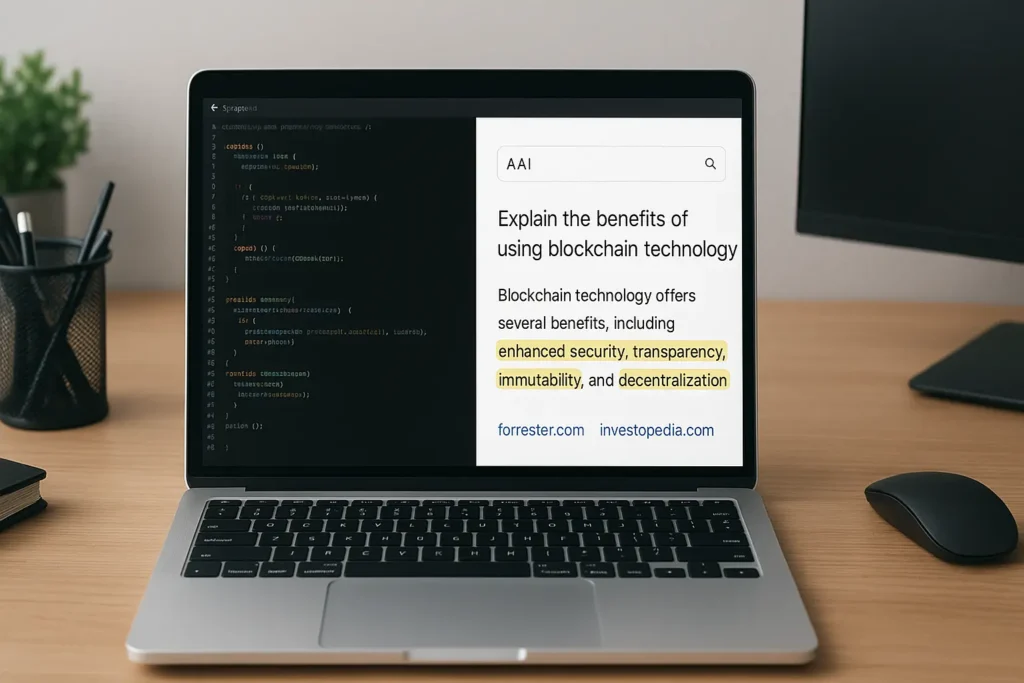
“Explain this error in simple terms and include official documentation links and example fixes.”
Perplexity AI often links directly to GitHub or official docs — a massive time-saver.
For Students
“Explain this topic in simple language for a college student and include three reliable sources.”
It’s far better than scrolling through random articles.
B. Hidden Free Features Most People Miss
Many users don’t realize how powerful the free version really is.
Follow-Up Questions
Instead of starting a new search, ask follow-ups under the same answer. Perplexity remembers context, which leads to deeper, more accurate results.
Source Exploration
You can explore and compare sources directly. This is incredibly useful for verifying claims or cross-checking facts.
Easy Citation Copying
You can copy source links instantly, making Perplexity AI ideal for ethical research and plagiarism-free content creation.
These feel like Perplexity AI pro features, but they’re available for free.
C. Real-World Perplexity AI Workflows
Search engines — and users — love workflow-based content. Here’s how people actually use Perplexity AI in daily life.
Perplexity AI for Bloggers
- Research topic and stats
- Verify multiple sources
- Write content in your own words
- Cite where necessary
This cuts research time nearly in half.
Perplexity AI for Students
- Ask for simplified explanations
- Review cited sources
- Write original answers
Great for learning without shortcuts.
Perplexity AI for Developers
- Ask about errors or concepts
- Open official documentation links
- Test solutions manually
It’s extremely effective for debugging and learning new frameworks.
If you’re working in DevOps, AI tools like Perplexity can also help you understand trends I covered in my article on how AI is transforming DevOps automation.
Perplexity AI for News & Trends
Perplexity excels at summarizing breaking news and ongoing developments — often faster than traditional feeds.
Free vs Pro: Honest Comparison
What You Get for Free
- Unlimited searches
- Source-backed answers
- Follow-up questions
- Citation access
This is enough for most users.
What Pro Adds
- Advanced models
- Deeper analysis
- More customization
For casual users, students, and bloggers, Perplexity AI free is more than sufficient. Pro is mainly for heavy researchers.
When Perplexity AI Is Better Than ChatGPT
- Research with citations
- Fact-checking
- News and comparisons
When ChatGPT Is Better
- Creative writing
- Brainstorming
- Long-form storytelling
Using both together gives the best results.
Google itself has acknowledged the shift toward AI-assisted search experiences in its Search Central updates.
The Future of Perplexity AI in 2026

Perplexity AI is expected to push AI search even further with:
- Faster real-time updates
- Smarter source evaluation
- Wider adoption as a Google alternative
As an AI search engine, it’s becoming a core tool for modern research.
I recently used Perplexity AI while researching emerging technologies like battery-free IoT energy harvesting sensors, and the speed difference was huge.
FAQs
Is Perplexity AI free to use?
Yes, the free version is powerful enough for most users.
Is Perplexity AI better than ChatGPT?
For research and sourced answers, yes.
Is it safe for students?
Yes, as long as students write in their own words.
Does it show sources?
Always.
Can bloggers use Perplexity AI?
Absolutely — it’s one of the best research tools available.
Final Thoughts
Once you understand how to use Perplexity AI effectively, it changes the way you research forever. The free version alone can save time, improve accuracy, and make your work more reliable.
If you’re tired of digging through ads and outdated articles, Perplexity AI is worth adding to your daily workflow in 2026.
8 thoughts on “How to Use Perplexity AI Like a Pro for Free in 2026”