
Let me be upfront with you — I spent weeks going through dozens of free DevOps courses for beginners before I found the ones that actually stick. Most of them either start with theory that puts you to sleep, or they jump straight into terminal commands without explaining why any of it matters.
This guide is different. It’s built around the free DevOps courses for beginners learning path that working engineers actually follow in 2026 — not what YouTube thumbnails promise. Whether you are switching careers, a CS student looking for an edge, or just someone curious about how the apps you use every day keep running without crashing, you will find something here.
Before we dive in — if you are someone who learns better through visuals and short tips, I share daily DevOps career content across my socials. Follow along so you do not miss what comes next.
Quick Answer: If you want one starting point right now — go to FreeCodeCamp on YouTube, search ‘DevOps for beginners’, and watch the first 2 hours. Come back for the rest of this guide after that.
Table of Contents – free DevOps courses for beginners
What DevOps Actually Is
Before picking any free DevOps courses for beginners, you deserve an honest explanation of what DevOps really is — because most definitions make it sound more complicated than it needs to be.
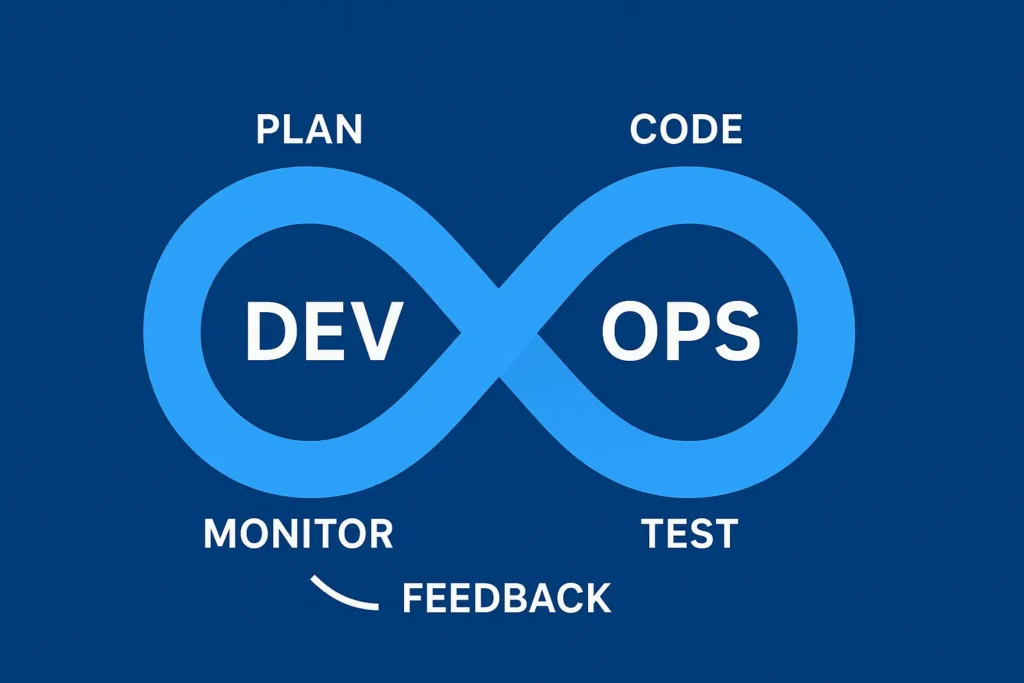
Think about ordering food through an app. You tap a button. Within seconds, the restaurant gets your order, a driver is assigned, and you can track delivery in real time. Behind that seamless experience, there are hundreds of small software pieces talking to each other — and DevOps is the discipline that keeps all of them running, updating, and recovering from failures without you ever noticing.
Before DevOps, software teams worked like this:
- Developers wrote code in isolation for weeks
- A separate operations team deployed it manually
- Releases happened once a month — if you were lucky
- One small bug could bring the whole system down
With DevOps, the same process now looks like:
- Code is written and tested automatically within minutes
- Deployments happen dozens of times per day
- Issues are caught by monitoring before users even notice
- Teams move faster without stepping on each other
That gap — between slow and broken to fast and reliable — is exactly what a DevOps engineer creates. And it is a skill that companies are paying well for right now.
Why DevOps Is Still One of the Best Career Moves in 2026
Here is something the career advice industry rarely tells you: most people who enter DevOps do not come from traditional CS backgrounds. Support engineers, QA testers, network admins, even teachers — people from all kinds of roles are successfully making this transition every year.
BCA graduates especially ask me this a lot — and the answer might surprise you. I wrote a full breakdown of whether DevOps is worth it after BCA in India, including which companies hire BCA freshers and what salary to realistically expect in your first year.
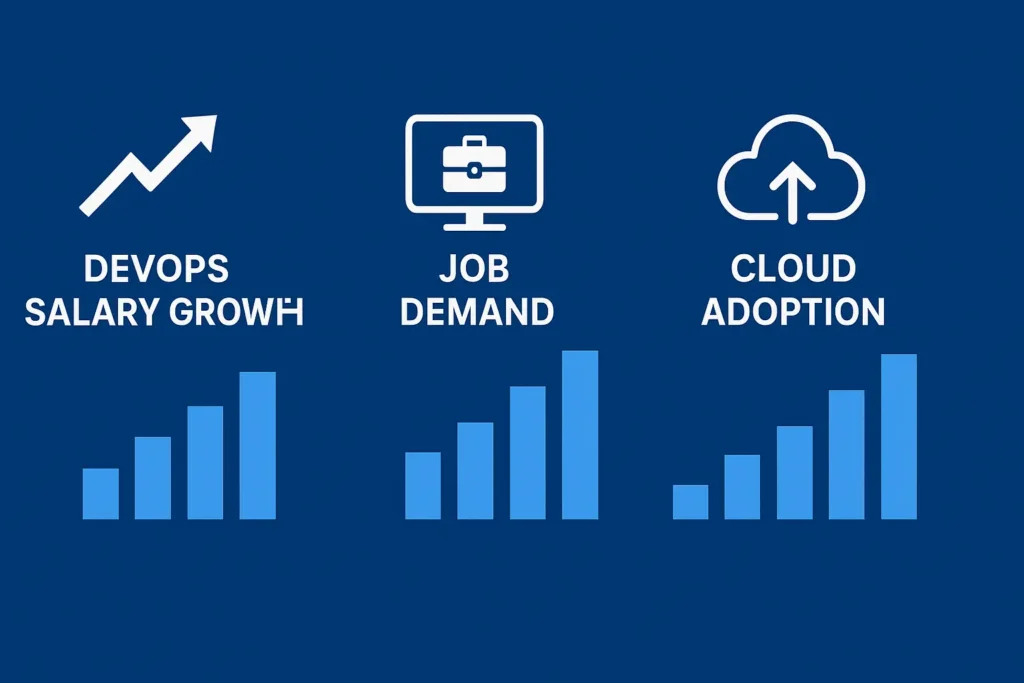
What makes it a strong career path right now specifically in 2026?
AI is creating more DevOps demand, not less
Every AI product you use — ChatGPT, Gemini, image generators, coding assistants — needs massive infrastructure behind it. Someone has to build the deployment pipelines, manage the cloud servers, set up the monitoring, and keep it all secure. That someone is increasingly a DevOps engineer. AI does not replace this work. It creates more of it.
Entry-level roles pay competitively
Even junior DevOps roles tend to pay more than general IT support or junior developer positions. Because the skill set bridges both development and operations, there are fewer people who can do it well — which keeps salaries healthy even at the entry level.
If you are based in India and want real numbers — actual salaries, honest job market reality, and which skills employers are asking for right now — I have covered all of it in this guide on whether DevOps is a good career in India in 2026.
Remote work is the norm, not the exception
Infrastructure work is almost entirely remote-friendly. Many DevOps engineers in India, Eastern Europe, and Latin America are working for US and European companies from home. Your location matters less than your skills.
7 Best Free DevOps Courses for beginners in 2026 (Honest Reviews)
I have gone through each of these personally or reviewed them with working engineers. Here is what you need to know about each one — not just what they cover, but what it actually feels like to learn from them.
1. FreeCodeCamp free DevOps courses for beginners (YouTube)
Best for: Complete beginners | Time: 4–6 hours | Certificate: No
FreeCodeCamp has a way of explaining things that feels like a senior engineer sitting next to you and just talking. No corporate slides, no fake enthusiasm. Just clear, practical explanation.
What sets this apart from most beginner resources is that it explains the ‘why’ before the ‘how’. You understand why Linux matters to DevOps before you type a single command. You understand why Git was invented before you run git init. That context changes everything when you hit your first real problem.
Topics covered: Linux fundamentals, Git and GitHub, CI/CD introduction, Docker overview, basic scripting.
Honest take: Start here. No exceptions. Even if you have some IT background, the way FreeCodeCamp connects the dots makes the rest of your learning 30% faster.
2. Google Cloud – Introduction to DevOps (Coursera Free Audit)
Best for: Understanding industry thinking | Time: 12–16 hours | Certificate: Paid (audit free) Most beginner courses teach you tools. Google’s course teaches you how professional engineering teams actually think about reliability, deployment strategy, and failure recovery.
That mindset shift is what separates someone who can follow a tutorial from someone who can solve a problem they have never seen before.
You will learn how Google’s own Site Reliability Engineering (SRE) principles connect to DevOps, why monitoring is not optional, and how deployment strategies like blue-green and canary releases work in practice.
Audit the course for free on Coursera through Google Cloud’s learning program.
3. AWS Skill Builder – Cloud DevOps Basics
Best for: AWS-focused roles | Time: 5–10 hours | Certificate: Free digital badge
AWS is involved in roughly one-third of the internet’s infrastructure. If you are going to work in DevOps, you will touch AWS — it is almost unavoidable. AWS Skill Builder lets you learn the core services like CodePipeline, CodeDeploy, and CloudWatch in a structured way, with content directly from the people who built these tools.
The free digital badge you earn here is worth adding to your LinkedIn profile. Recruiters do notice AWS credentials even at the beginner level. Available completely free at aws.amazon.com/training.
4. Microsoft Learn – DevOps Engineer Path
Best for: Azure roles & enterprise environments | Time: 10–20 hours | Certificate: Yes (free)
If you are targeting corporate or enterprise jobs — especially in industries like finance, healthcare, or government — Azure is often the cloud of choice. Microsoft Learn’s DevOps Engineer Path takes you through YAML pipelines, Azure Repos, CI/CD security, and monitoring in a well-structured way.
The free DevOps courses for beginners certificate from Microsoft Learn is credible enough to put on a resume. Larger companies recognize Microsoft certifications immediately. Access the full path at learn.microsoft.com.
5. KodeKloud – DevOps Basics (Free Tier)
Best for: Hands-on practice | Time: 20+ hours | Certificate: Available for modules
KodeKloud is built differently from every other resource on this list. Instead of watching someone else type commands, you type them yourself in a real terminal inside your browser. No local setup required. No risk of breaking your own machine.
This is where passive learning becomes actual skill. Free modules include Docker basics, Kubernetes intro, Git workflows, and CI/CD fundamentals. Each module ends with a lab where you solve a real problem — not a quiz, an actual scenario.
Pro tip: Do the labs even if they feel hard. Struggling through a KodeKloud lab for 40 minutes teaches you more than 4 hours of video. Access free labs at kodekloud.com.
6. Linux Foundation – DevOps on edX
Best for: Deep conceptual understanding | Time: 10 weeks | Certificate: Paid (course free)
This is the slowest course on this list, but also the deepest. The Linux Foundation’s course on edX does not just teach you to use DevOps tools — it teaches you why the DevOps culture and philosophy exists in the first place. For anyone who wants to eventually move into a senior or architect-level role, that foundation matters.
Covers DevOps culture, containers, observability principles, and automation thinking. Enroll for free at edx.org.
7. TechWorld With Nana – free DevOps courses for beginners YouTube Playlist
Best for: Visual learners, tools-focused learning | Time: 20–25 hours | Certificate: No
Nana’s animations and real-world diagrams make complex systems feel understandable. Her Docker series is genuinely one of the best explanations of containers available anywhere — free or paid. The Kubernetes content is equally strong.
What I particularly like is that she always shows you where these tools fit in a real pipeline. You never feel like you are learning something in isolation. Find her full free DevOps courses for beginners playlist on YouTube at TechWorldwithNana.
If you’re still confused about the future of DevOps, you can also read my guide on whether DevOps is a good career in India — it clears every doubt in simple language.
A Realistic DevOps Roadmap for Freshers in 2026
Here is the thing nobody tells beginners: the order you learn DevOps topics matters just as much as what you learn. Learning Kubernetes before Docker is like learning multiplication before addition. This roadmap is sequenced the way working engineers actually built their skills.
If you want the full picture before diving in, I have written a detailed DevOps Engineer Roadmap for 2026 that covers every tool, skill, and milestone in one place — worth bookmarking alongside this guide.
Phase 1: Linux (Weeks 1–3)
Everything in DevOps runs on Linux. File permissions, processes, SSH connections, basic shell scripting — get comfortable here before moving on. FreeCodeCamp’s Linux course is the right starting point. Most beginners rush past this and regret it for months afterward.
Phase 2: Git and Version Control (Week 4)
You cannot work in any modern software environment without Git. Focus specifically on branching, pull requests, and merge conflicts — not just git add and git commit. Kunal Kushwaha’s Git series on YouTube is excellent for this.
Phase 3: Containers with Docker (Weeks 5–7)
Docker is where DevOps becomes tangible. Writing your first Dockerfile and seeing your application run identically everywhere is a genuinely satisfying moment. Practice building multi-container apps using Docker Compose. Play With Docker (labs.play-with-docker.com) gives you a free browser-based environment with no setup.
Phase 4: Kubernetes (Weeks 8–12)
Kubernetes is consistently the most requested DevOps skill in 2026 job postings. Start with Pods, Deployments, and Services before touching anything else. KodeKloud’s free Kubernetes labs are the best practice environment for beginners. Kubernetes.io also has free interactive tutorials built directly into its documentation.
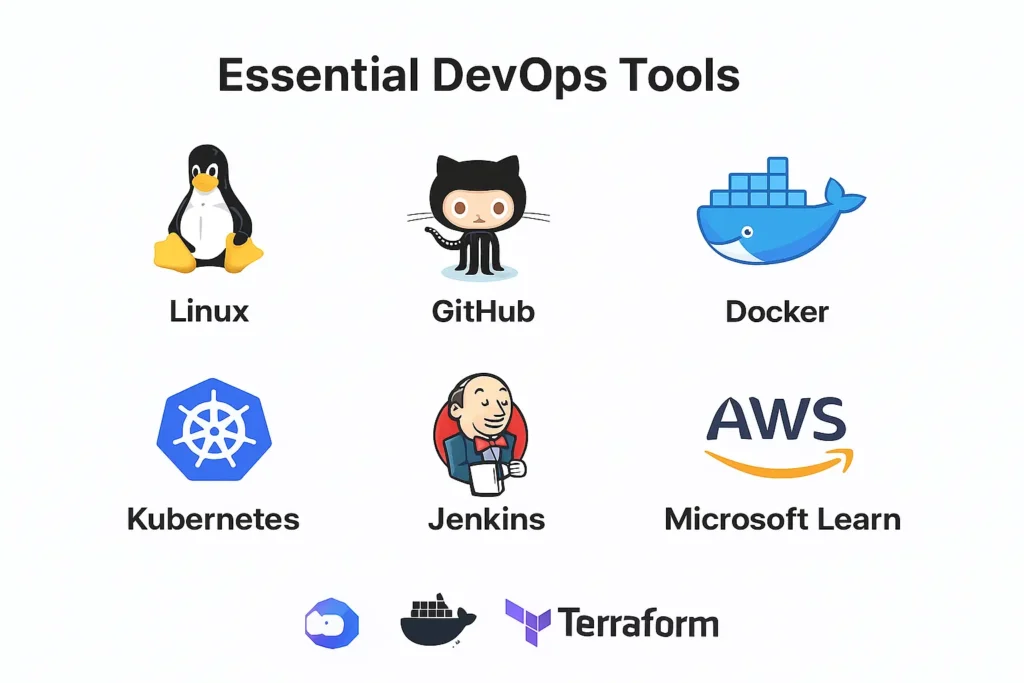
Phase 5: CI/CD Pipelines (Weeks 13–14)
This is where everything you have learned connects. A CI/CD pipeline automatically tests your code, builds it into a container, and deploys it to a server. GitHub Actions is the easiest to start with — it is free for public repositories and the YAML syntax is readable even for beginners.
Phase 6: Infrastructure as Code (Weeks 15–17)
Terraform lets you write code that creates cloud servers, databases, and networks. Instead of clicking through a web console and hoping you remember what you clicked, you have a file that describes your entire infrastructure. This is increasingly standard in professional environments.
Phase 7: Cloud Platform — Pick ONE (Weeks 18–21)
AWS has the largest market share. Azure is dominant in enterprise settings. GCP has strong presence in data and AI companies. Pick the one that aligns with the jobs you want. Learning all three simultaneously is one of the most common mistakes beginners make — you end up knowing none of them well.
Phase 8: Monitoring and Observability (Weeks 22–23)
Prometheus and Grafana. Most beginners skip this phase entirely, which is a serious mistake. Monitoring is what turns a deployment into a professional operation. Being able to set up dashboards and alerts is a genuine differentiator in interviews. Start with Prometheus for metrics collection and Grafana for visualization.
5 Beginner DevOps Projects That Actually Help in Interviews
Certificates prove you studied. Projects prove you can do the work. Hiring managers spend more time looking at GitHub repos than certificates. Here are five projects that give you real things to talk about:
Project 1: CI/CD Pipeline for a Simple Web App
Take any free GitHub repo (a simple Node.js or Python app works perfectly), connect it to GitHub Actions, write a workflow that runs tests automatically on every commit, builds a Docker image, and pushes it to Docker Hub. This single project demonstrates Git skills, Docker knowledge, and CI/CD understanding — three critical DevOps competencies in one repository.
Project 2: Kubernetes Deployment on a Free Cloud Tier
Deploy your Dockerized app to a Kubernetes cluster. GCP’s Google Kubernetes Engine has a free tier that is enough for learning. Write the Deployment and Service YAML files yourself — do not just copy them. Understanding what each line does is what makes this valuable.
Project 3: Terraform Infrastructure Setup
Use Terraform to provision a simple cloud environment — a virtual machine, a storage bucket, and a networking rule. Push the Terraform files to GitHub. Being able to show that you can describe infrastructure as code instead of clicking through a console is genuinely impressive to interviewers.
Project 4: Monitoring Dashboard with Prometheus and Grafana
Set up Prometheus to scrape metrics from a running application and build a Grafana dashboard that visualizes them. Add an alert that triggers when CPU or memory crosses a threshold. This project alone will make you stand out, because most junior candidates have never touched monitoring.
Project 5: Automated Backup Script with Notifications Write a bash script that backs up a directory to cloud storage on a schedule, and sends a Slack or email notification when it completes (or fails). It sounds simple, but this project tests Linux scripting, cloud storage, scheduling with cron, and basic automation — all things that show up in real DevOps work every day.
FAQ – free DevOps courses for beginners
1. Can a fresher get a DevOps job without experience?
Yes — but you need to replace experience with projects. A GitHub profile with three or four solid DevOps projects carries more weight than a bootcamp certificate with no practical work behind it. Freshers get DevOps jobs every month in 2026. It requires consistent practice, not a specific background.
2. How long does it realistically take to learn DevOps from scratch?
If you study one to two hours per day consistently, plan for four to six months before you are ready to apply for junior roles. Some phases (like Linux and Git) move quickly. Kubernetes and cloud will take more time. Do not let the timeline discourage you — engineers who commit to this consistently do reach job-ready in that window.
3. Do I need to know programming to do DevOps?
Not deep programming. You need to be comfortable reading code and writing basic scripts in bash or Python. If you can write a script that reads a file, loops through its lines, and outputs something — that is enough to get started. You can build scripting skills in parallel with everything else.
4. Which cloud platform should a beginner focus on — AWS, Azure, or GCP?
Look at job postings in your target industry first. If you see AWS mentioned most often, start there. If you are interested in corporate or government work, Azure is likely more relevant. For AI or data-focused companies, GCP is worth considering. Do not try to learn all three at once — depth beats breadth at the entry level.
5. Are free DevOps courses good enough to get a job in 2026?
Completely. The companies that built the tools you will use every day — Google, Microsoft, Amazon, the Linux Foundation — offer free training. The quality of free DevOps education has improved dramatically. What matters is not where you learned, but what you can actually do. Projects, a GitHub profile, and the ability to talk through your work clearly in an interview will take you further than any paid course.
Final Thoughts: Start Small, Stay Consistent
The biggest mistake I see beginners make is trying to learn everything at once. They bookmark fifteen courses, install four tools, and then feel overwhelmed and quit within two weeks.
Here is what actually works: pick one thing from this guide, start it today, and do a little bit every day. One hour of focused practice builds more real skill than a weekend binge that exhausts you. DevOps rewards people who build things, break things, and figure out what went wrong.
The engineers who succeed in this field are not the ones with the most certifications — they are the ones who are genuinely curious about how systems work and stubborn enough to keep going when something does not make sense.
You have everything you need to start. It is all free. The roadmap is here. What happens next is up to you.